
Brand Gradient — Logo
Minimal black gradient with the AI Acquisition logo. Cleanest option on any webcam.
How every Onboarding Specialist shows up on camera. Run this checklist before you take a single client call.
They should always know their next steps, exactly how to navigate the platform, and exactly what our processes and methods are. If there is any doubt in their voice at the end of the call, the call is not finished.
Choose one of the branded backgrounds below and keep it consistent across your calls.
Test your mic before every call. No echo, no background noise, no dropping in and out.
Groomed and presentable on camera, every single call.
Professional clothing that keeps the focus on the client's business.
Collared shirt at minimum, clean and put-together.
If your built-in setup is not crisp, use a headset.
Always have dependable connectivity, plus a backup hotspot if your connection is unstable.
No exceptions, no matter how casual the client gets.
Warm but professional. You are advising on their business, not catching up with a buddy.
Believe in the plan you are walking them through — they will mirror your energy.
You are the expert on our process. Lead the call.
It carries through your tone even more than your camera.
Close every call with what happens next, who owns it and when it happens.
Download the one you like and set it in Zoom under Settings → Background & Effects. Pick a background that contrasts with what you wear so you stay the focus of the frame.
Minimal black gradient with the AI Acquisition logo. Cleanest option on any webcam.
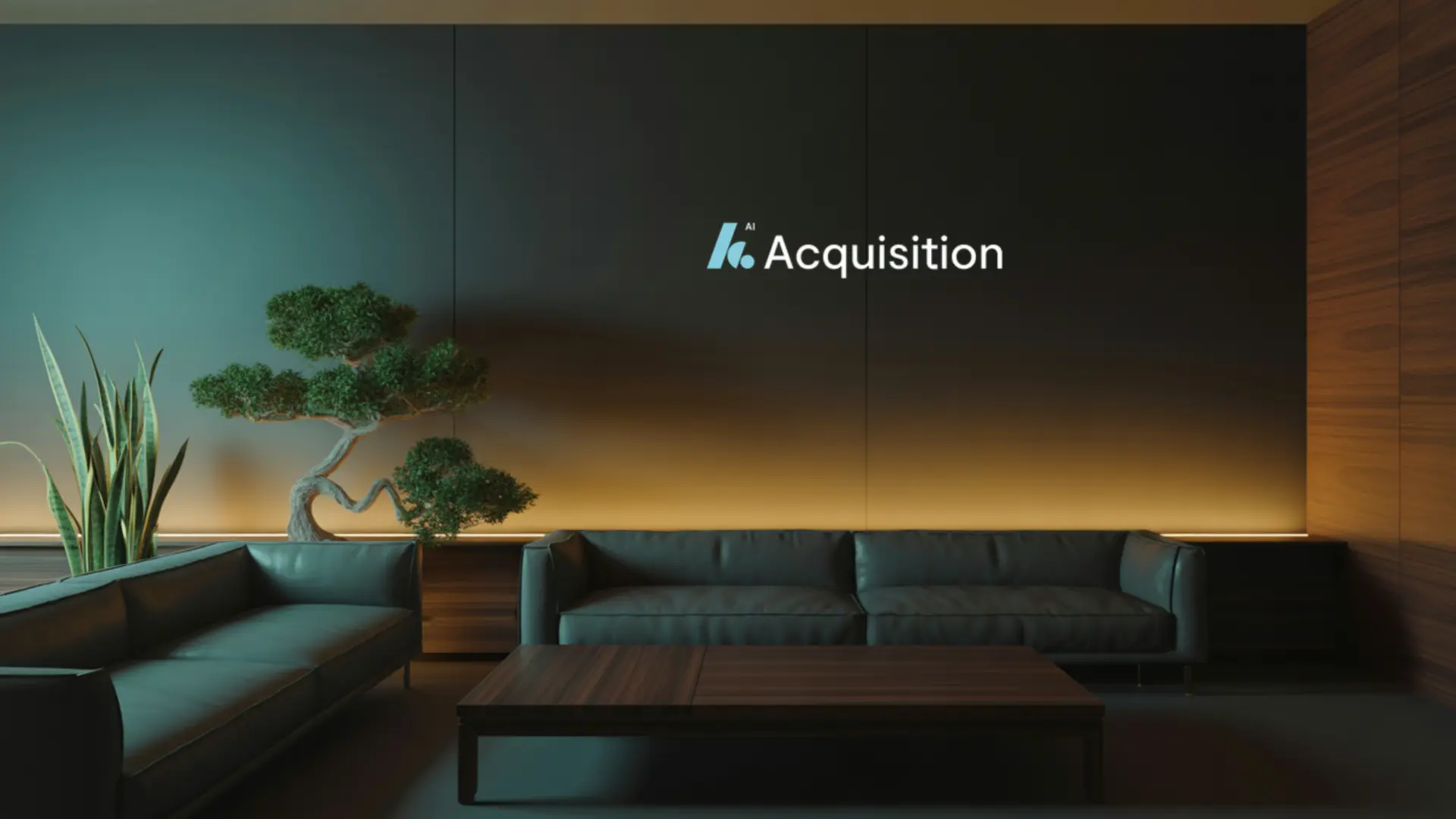
Deep navy branded wall with warm accent lighting.
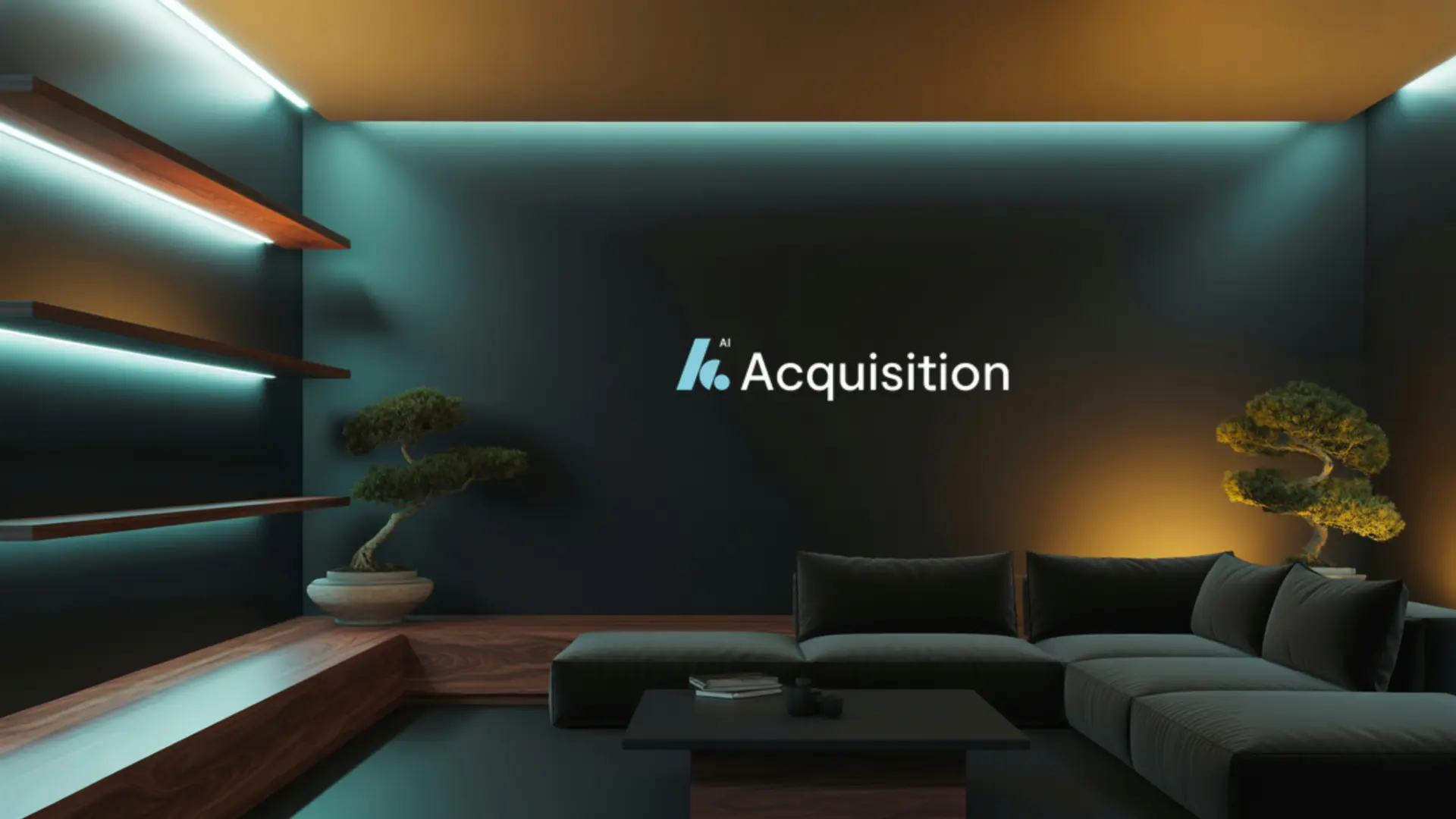
Cool teal shelving with branded wall. Great with front lighting.
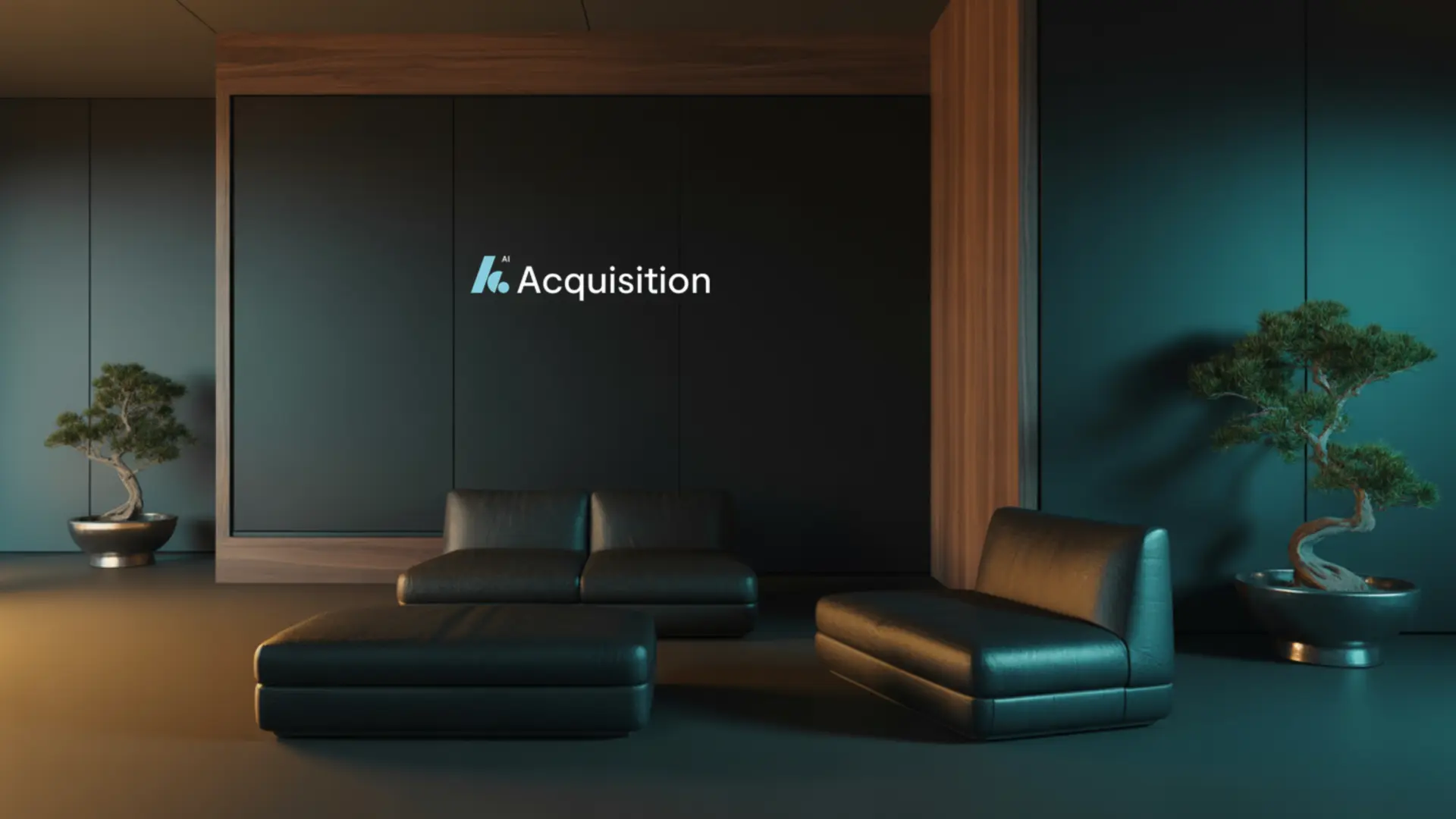
Moody walnut and teal suite. Very executive on camera.
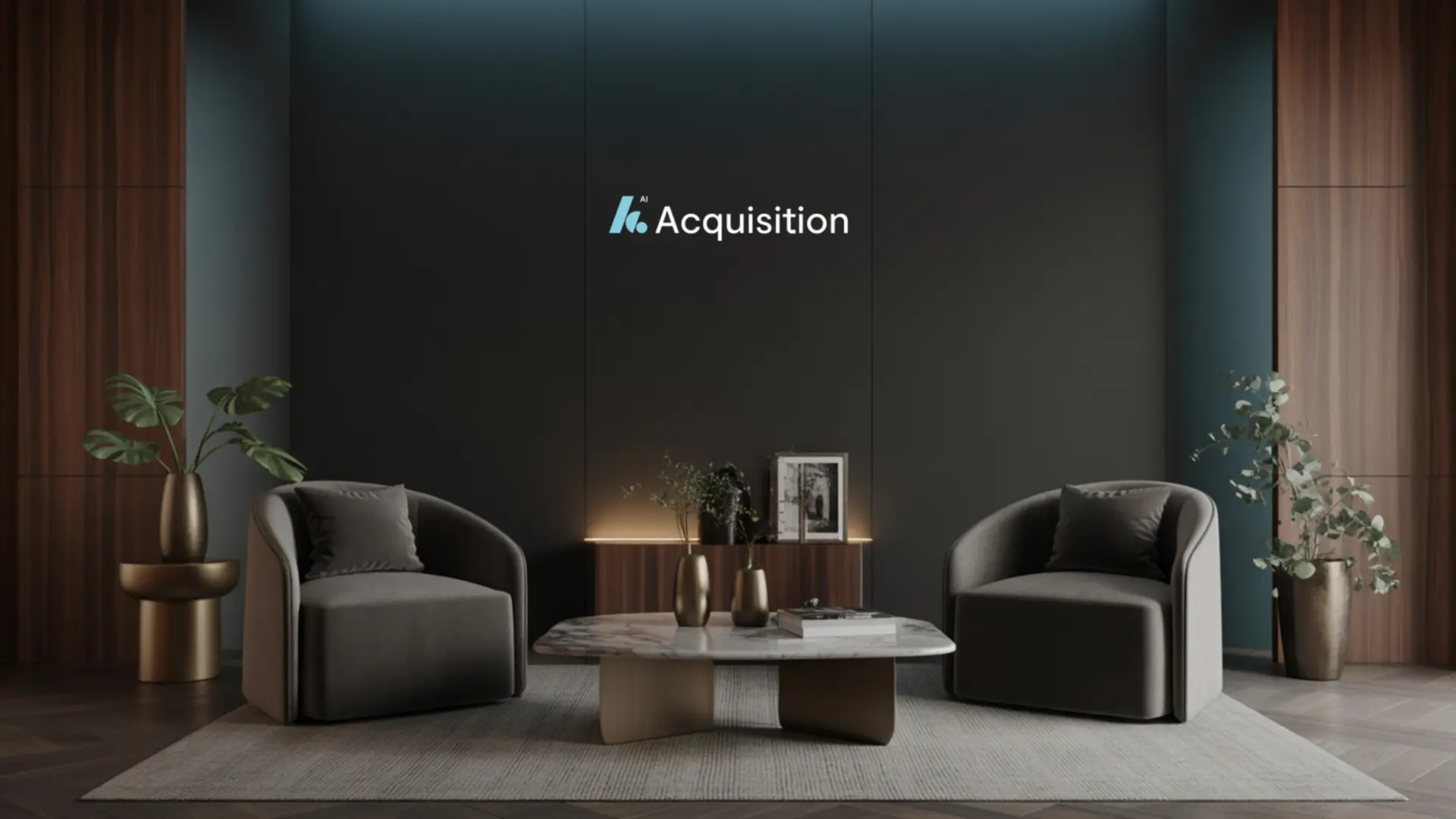
Symmetrical armchairs and centred logo. Safe default.
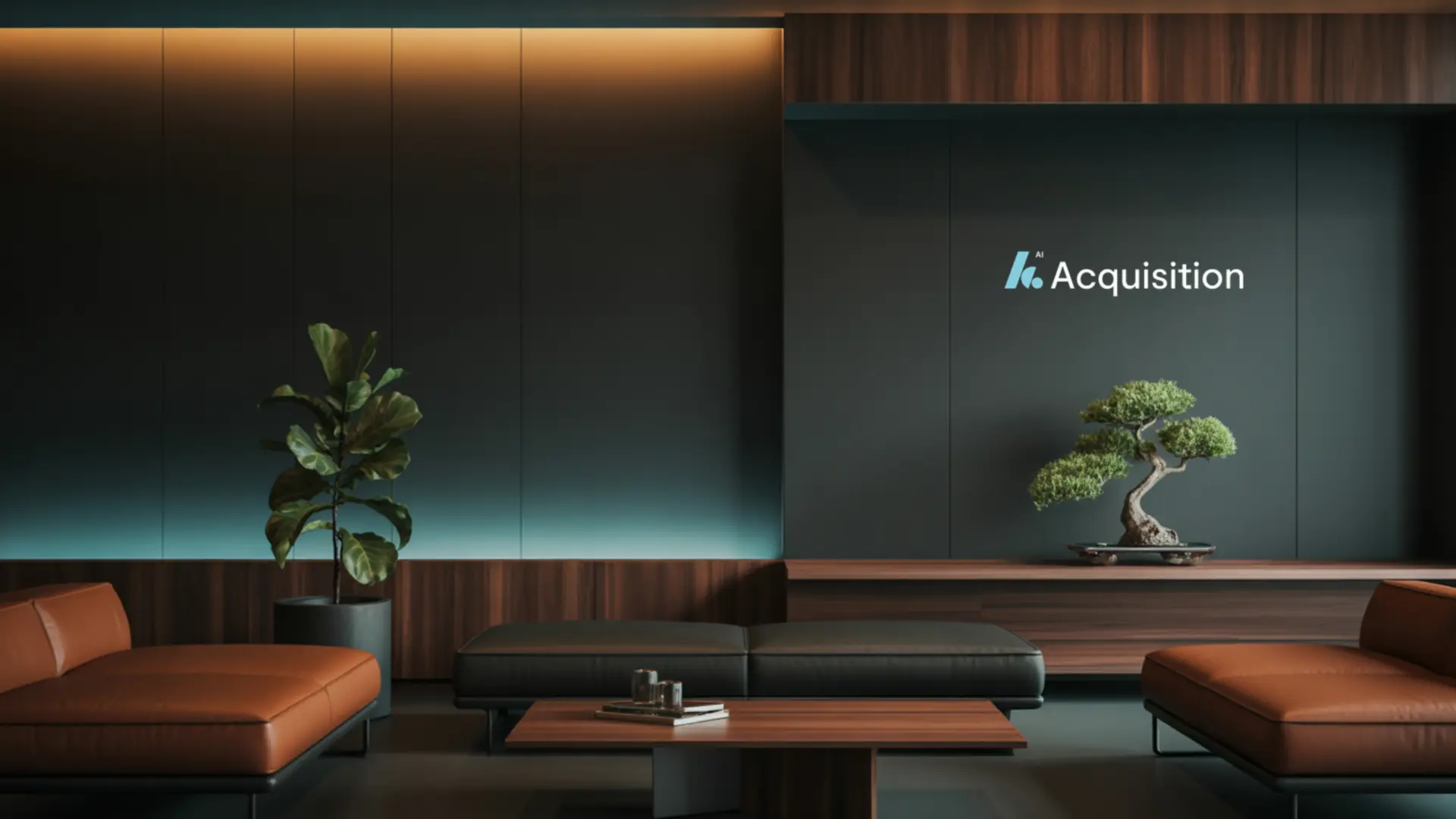
Dark panels with tan leather accents.
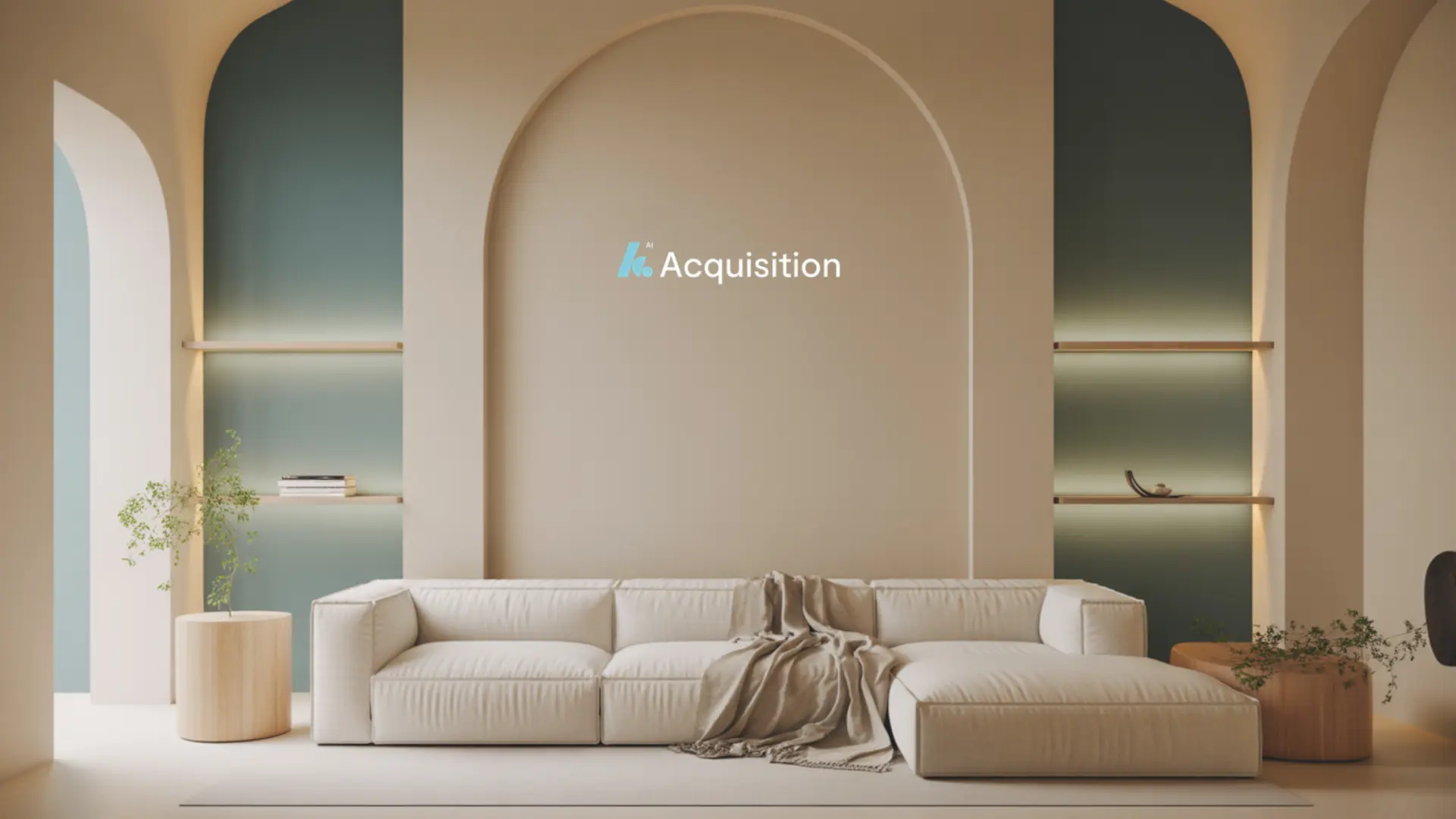
Soft neutral arches. Best for brighter rooms.
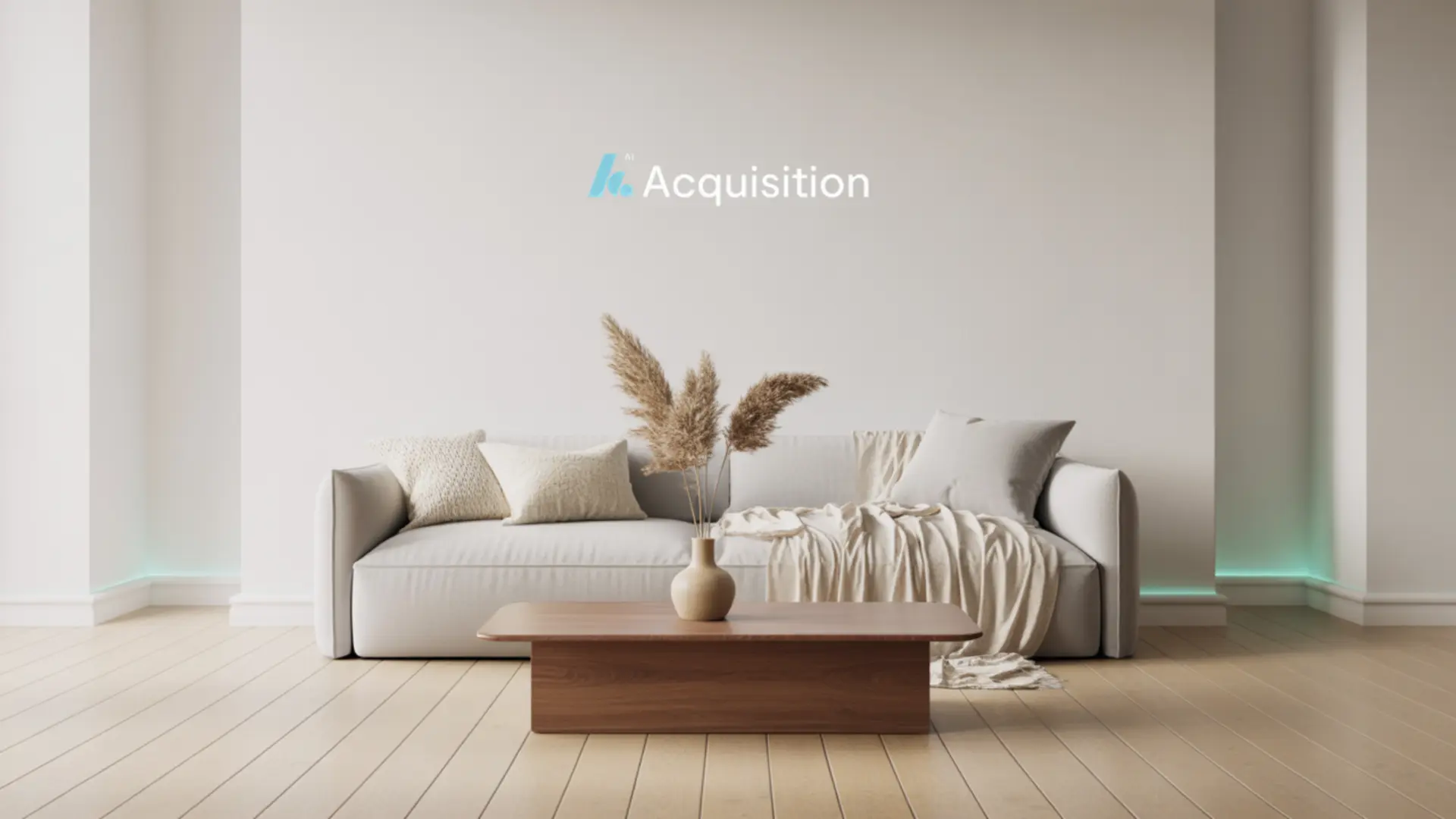
Clean white wall with subtle glow. Reads well on any webcam.
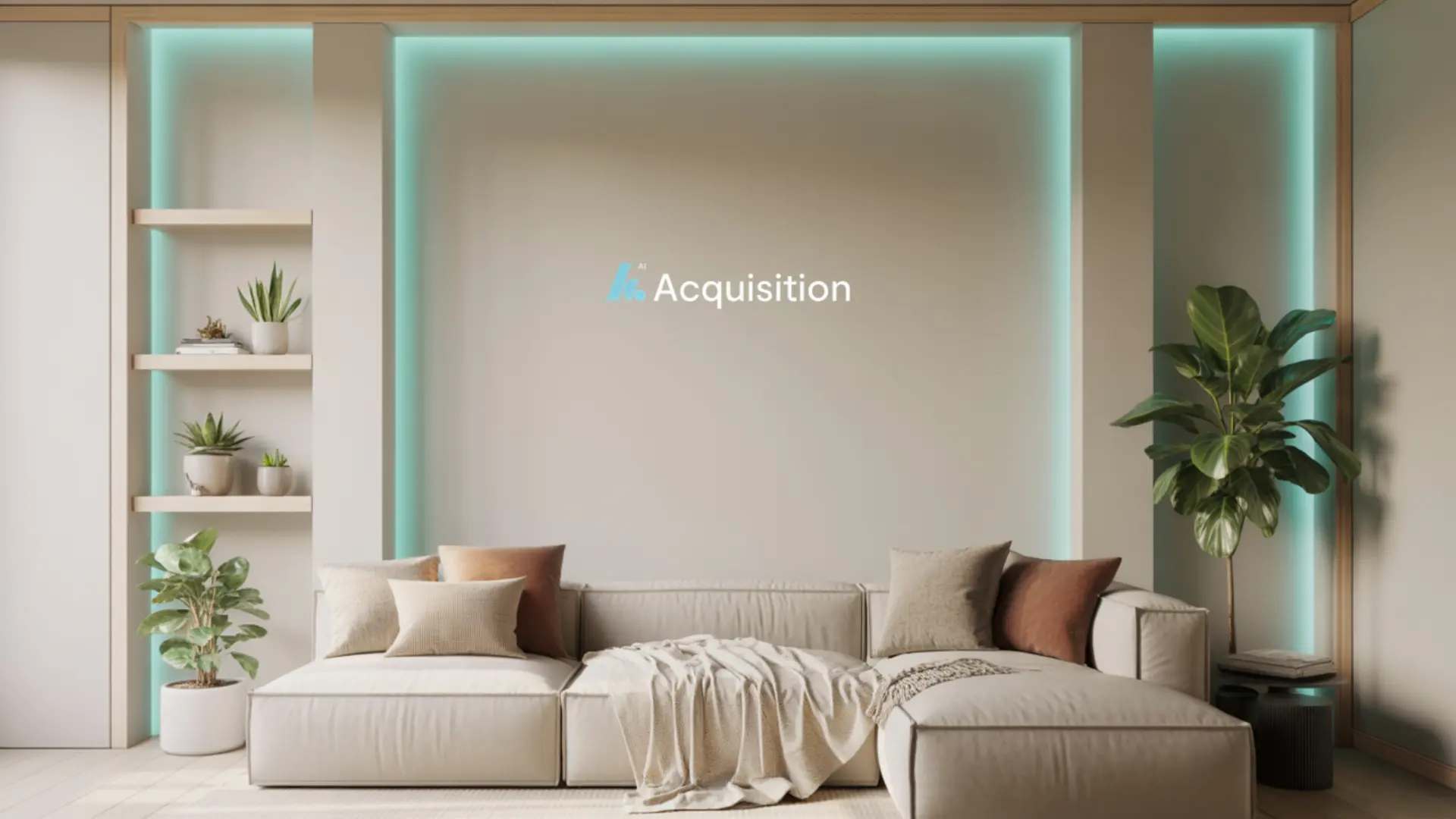
Neutral alcove with branded teal light strips.
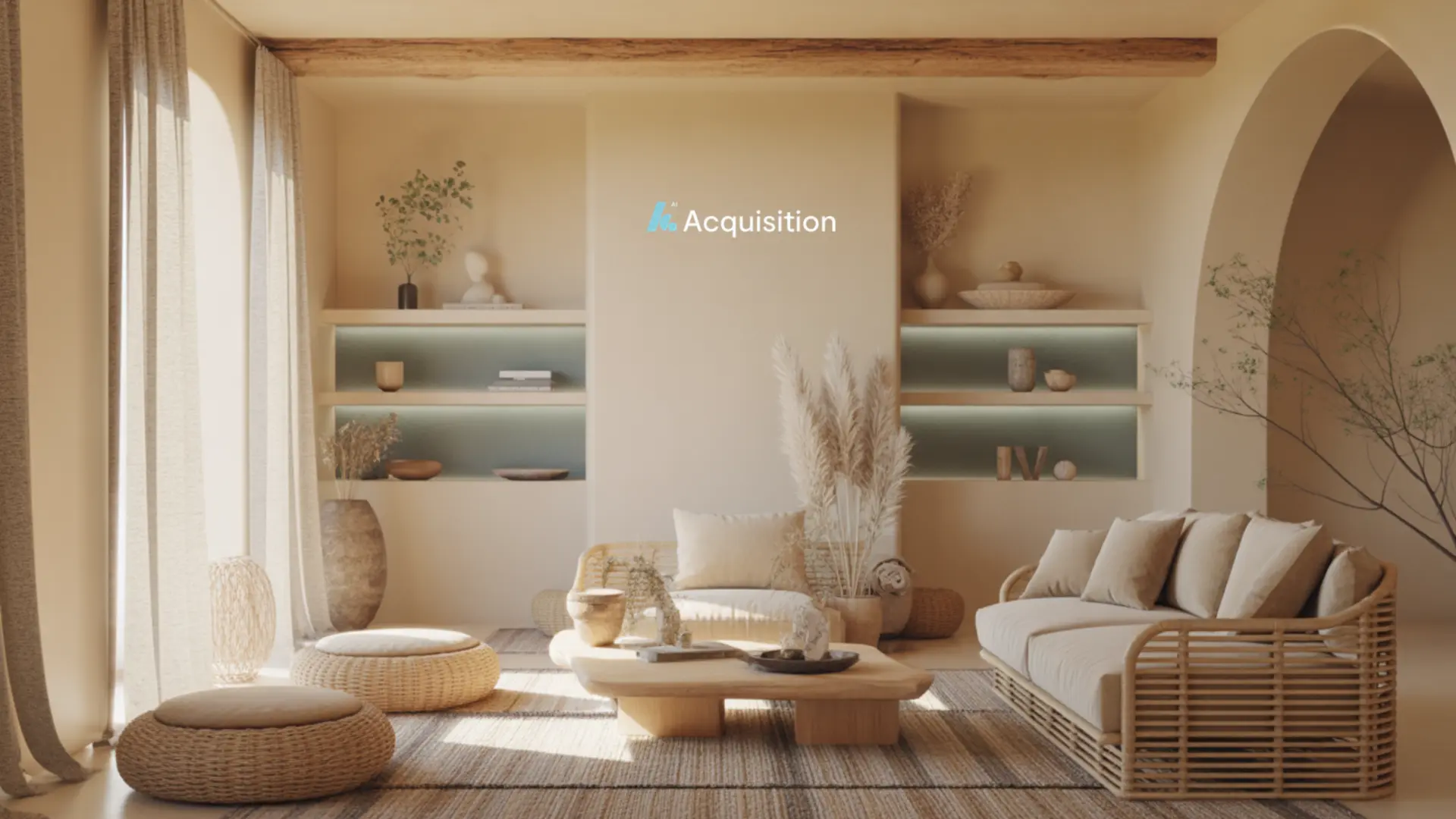
Warm sunlit space. Pairs well with natural window light.
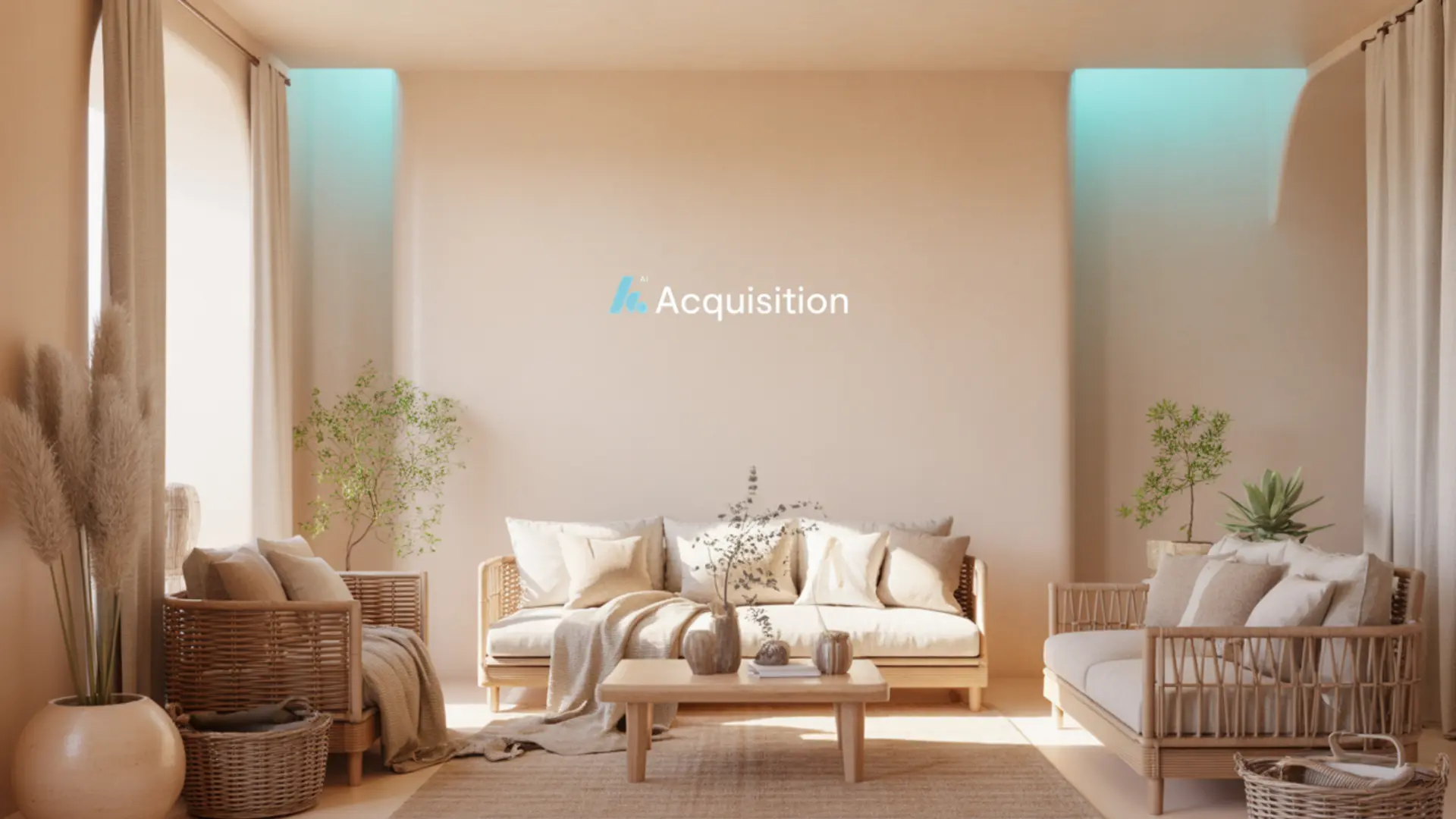
Soft warm lounge with airy neutral tones.
If your device cannot run a virtual background cleanly (flickering edges, lag), sit in front of a plain, tidy wall instead. A clean real background always beats a broken virtual one.